Product Shot Hero
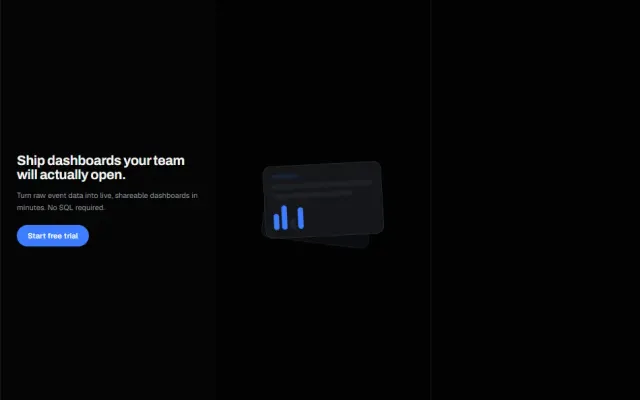
A dominant framed app-window screenshot mock with the headline as a caption above it.
DOM + CSS1 dep1 file · 2 KB TSX
Props
"use client";

// Full-size shippable hero. The registry preview above is a scaled-down
// stand-in for this component at normal type scale.
import { motion } from "framer-motion";

function AppWindow({ tilt }: { tilt: boolean }) {
  return (
    <motion.div
      initial={{ opacity: 0, y: 28, rotateX: tilt ? 10 : 0 }}
      animate={{ opacity: 1, y: 0, rotateX: tilt ? 10 : 0 }}
      transition={{ duration: 0.7, ease: [0.16, 1, 0.3, 1] }}
      style={{ perspective: 1200 }}
      className="w-full max-w-4xl overflow-hidden rounded-2xl border border-white/10 bg-zinc-950 shadow-2xl"
    >
      <div className="flex items-center gap-2 border-b border-white/10 px-5 py-3">
        <span className="h-3 w-3 rounded-full bg-white/20" />
        <span className="h-3 w-3 rounded-full bg-white/20" />

  // ---------------------------------------------------------------
  // Full source available with a viberdy Pro subscription.
  // https://viberdy.dev/pricing
  // ---------------------------------------------------------------
}
Details
About this heroe
The structural bet here is proportion: the screenshot, not the sentence, gets the majority of the hero's real estate, so the headline is deliberately written and sized as a caption rather than a statement that needs room to breathe. It works for anything with a genuinely good-looking interface — the fake window here should be swapped for a real screenshot the moment this ships — and it's the wrong choice for products where the interface is incidental to the value (an API, a service, a policy change). The one non-obvious detail: the tilt is done with a CSS `perspective` set via inline `style` on the wrapper plus a Framer `rotateX`, not a Tailwind utility, because there is no theme token for perspective and 3D transforms need the perspective and the rotated element in a specific parent/child relationship to render correctly. Caveat: heavy tilt reads as gimmicky past about 10-12 degrees and can clip drop shadows at the frame edge — keep it subtle.