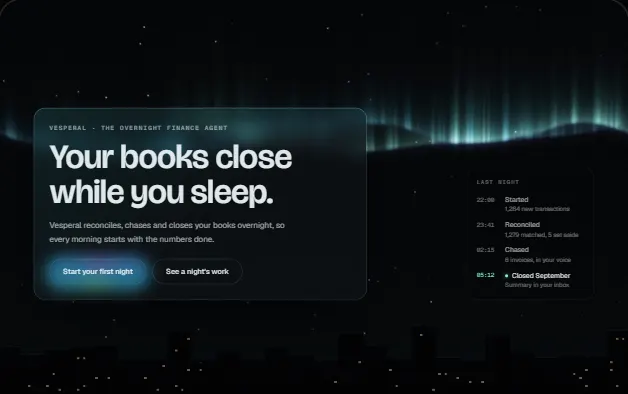
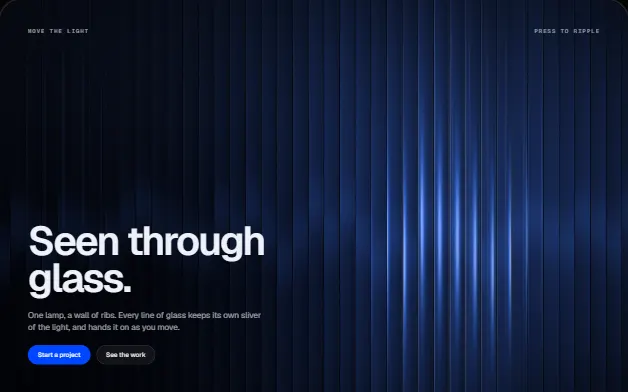
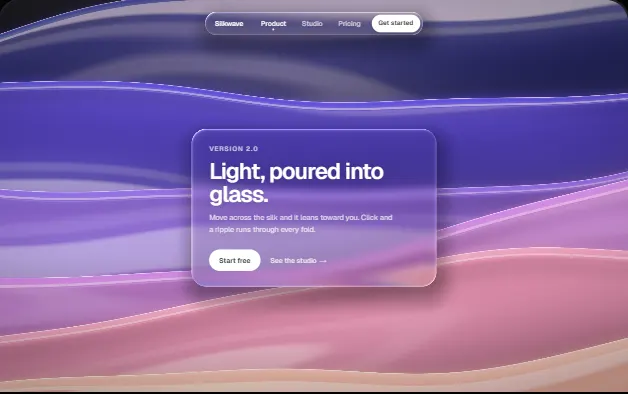
Liquid Lens Hero
A slab of liquid glass you drag across a vivid scene: the headline bends under its rim, colours split at the edge, and it wobbles like gel. Two WebGL passes, no libraries.
WebGL20 deps1 file · 34 KB TSXreduced-motion aware
Props
"use client";

import { useEffect, useRef } from "react";
import type { KeyboardEvent as ReactKeyboardEvent } from "react";

/**
 * LiquidLensHero — a slab of liquid glass you can pick up and drag across a
 * vivid scene, bending the headline underneath it.
 *
 * Two WebGL2 passes. The first paints the scene into a texture: slow,
 * domain-warped colour bands in the chosen palette, fine pinstripes (straight
 * lines are what make bending legible) and the headline itself, drawn from a
 * 2D canvas in the page's own font. The second pass composites that texture
 * with the lens: a rounded slab whose rim pulls the scene inward like thick
 * glass, a slight magnification across the face, red, green and blue bent by
 * different amounts at the edge, a rim lit from the side the pointer is on,
 * a soft highlight, and a shadow cast on the scene below.
 *

  // ---------------------------------------------------------------
  // Full source available with a viberdy Pro subscription.
  // https://viberdy.dev/pricing
  // ---------------------------------------------------------------
}
Details
About this heroe
Every glass hero on the web is a blurred card floating over a gradient. This one is a lens. The scene is rendered first, into a texture: slow colour bands in one of four palettes, fine pinstripes, and the headline itself, painted in your page's own font so the glass can bend it. Then a slab of glass is drawn over it. At the rim the scene is pulled inward the way thick glass pulls it, so the letters and stripes visibly curve; red, green and blue are bent by different amounts, so the edge fringes with colour; the face magnifies slightly, the rim catches light on the side your pointer is on, and the slab casts a soft shadow on the scene beneath. Pick it up and it follows like gel on a spring, stretching in the direction it travels and wobbling as it stops; let go and it stays where you put it, drifting slowly around that spot. The real h1 stays in the page for search and screen readers. It pauses off-screen, respects reduced motion, survives a lost GPU context, and falls back to the h1 on a gradient without WebGL2.
Curator’s note
The Glassmorphism kit's hero, drop 1. Real lensing needs the scene as a texture, so this renders both: the scene, headline included, then the glass over it.