Curved Rail Nav 2.0
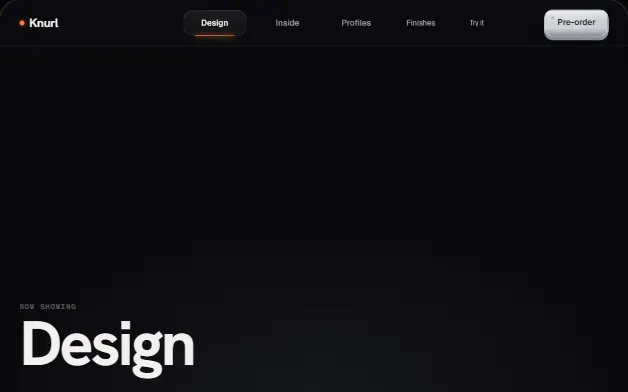
A nav machined into a turning metal ring: knurled edges, engraved links and a recessed carriage with a copper LED that slides to the active link on a detent spring. Drag the rail like a dial, ray-traced in WebGL under the same perspective as the CSS 3D links.
WebGL20 deps1 file · 49 KB TSXreduced-motion aware
Props
"use client";

import { useEffect, useId, useRef, useState, useSyncExternalStore } from "react";
import type { CSSProperties, KeyboardEvent as ReactKeyboardEvent, PointerEvent as ReactPointerEvent, ReactNode } from "react";

/**
 * CurvedRailNav2 — a nav machined into a turning metal rail.
 *
 * Version 2.0 of the Curved Rail Nav. The links no longer float on an
 * invisible cylinder: the cylinder is drawn, as a solid ring of machined
 * metal lit like a product shot. Knurled edges, a brushed track, engraved
 * detent ticks, a softbox that reflects as a vertical highlight band (it
 * stays put while the ring turns under it, as real light does) and a soft
 * light that follows the pointer. The links are engraved into the track. The
 * active one sits in a recessed carriage, a pocket cut into the ring with a
 * copper LED along its floor; choose another link and the carriage slides
 * there on a detent spring while the ring turns toward it, and the LED flares
 * as it lands.

  // ---------------------------------------------------------------
  // Full source available with a viberdy Pro subscription.
  // https://viberdy.dev/pricing
  // ---------------------------------------------------------------
}
Details
About this component
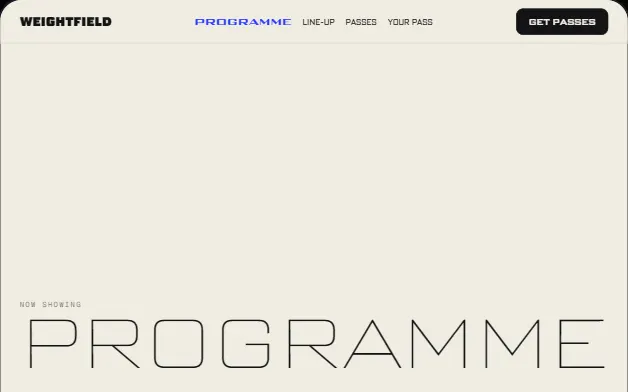
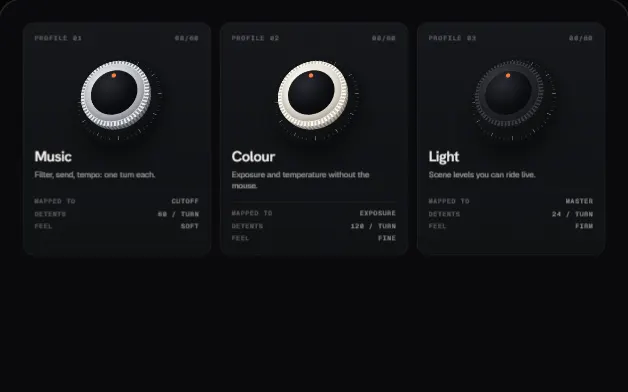
The first Curved Rail Nav put its links on an invisible cylinder. Version 2.0 draws the cylinder, as a ring of machined metal lit like a product shot: knurled edges, a brushed track, engraved detent ticks, a chamfer that catches the softbox overhead and a vertical highlight band that stays put while the ring turns under it, as real reflections do. A soft light follows the pointer across the metal. The links are engraved into the track, and the active one sits in a recessed carriage, a pocket cut into the ring with a copper LED along its floor. Choose another link and the carriage slides to it on a detent spring while the ring turns part of the way toward it; the LED flares as it lands. Drag or swipe the rail and it turns like a dial, coasting on release, settling on the nearest link and navigating there; a sideways trackpad swipe steps one link at a time. The links are real anchors in CSS 3D and the shader casts its rays from the same eye, so metal and labels line up to the pixel. Choose titanium, ceramic or soft-touch polymer. It draws only while something moves, compiles off the main thread, handles context loss and falls back to a CSS rail without WebGL2. A rolling 01 / 05 readout, the kit's keycap as the call to action, an optional copper progress hairline, and a numbered menu on narrow containers.
Curator’s note
Version 2.0 of the Spatial 3D kit's navigation. Pro because the rail is now a real object: a WebGL2 shader ray-traces the same cylinder CSS 3D places the links on, under the same perspective, with a detent-spring carriage and dial physics on top.